
Software updates
We are going dark!
Dec
We have a new theme – we are going dark!
The new Dark Theme feature brings a whole new look to our web application system, darkening the interface across the app. Play around with font colors to create a unique look based on your preferences!
Not only does the Dark Mode look just great, it’s also easier on the eyes and helps reduce eye strain. It prolongs the lifetime of some OLED display batteries and the reduced brightness can actually have a positive impact on the display itself. We’ve tested the dark theme on a variety of devices in a number of offices and the results are straightforward: the dark theme looks stylish and trendy.
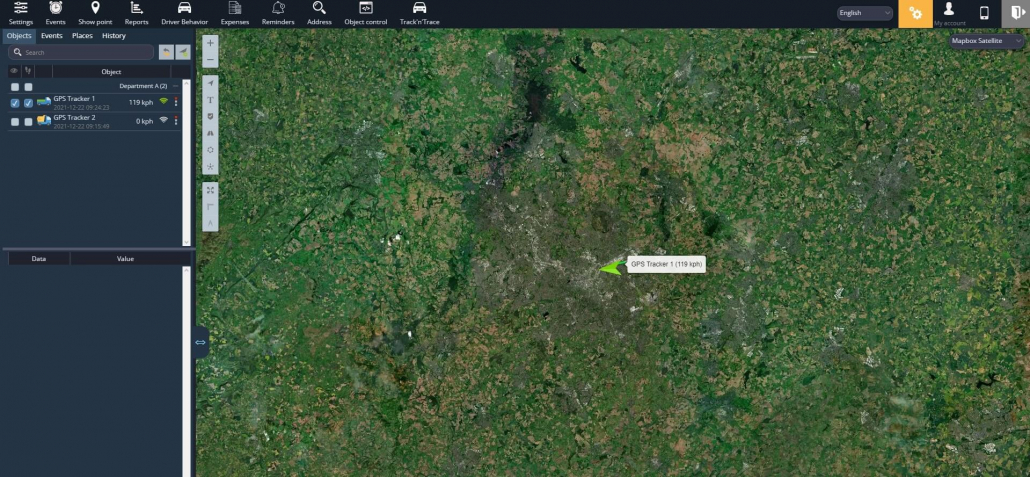
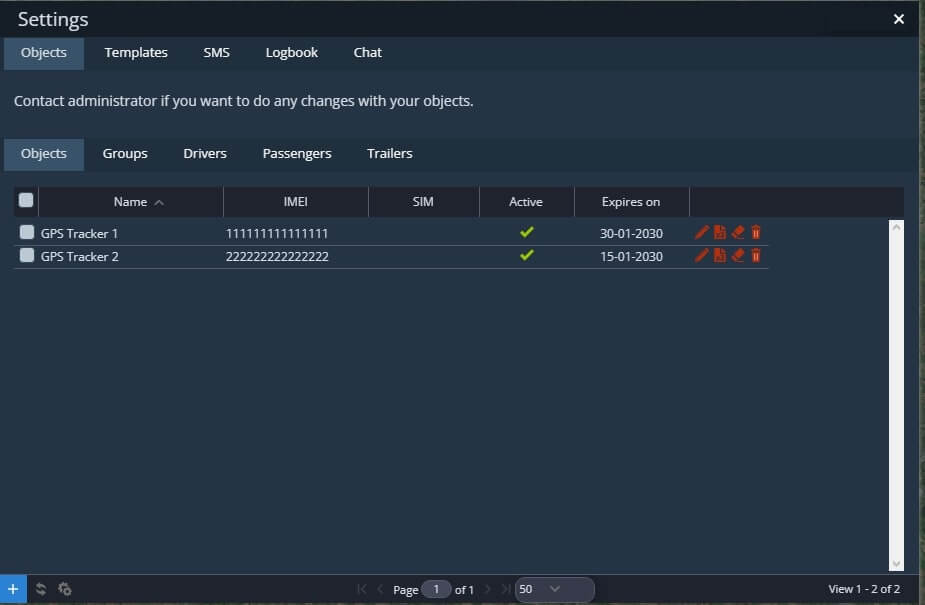
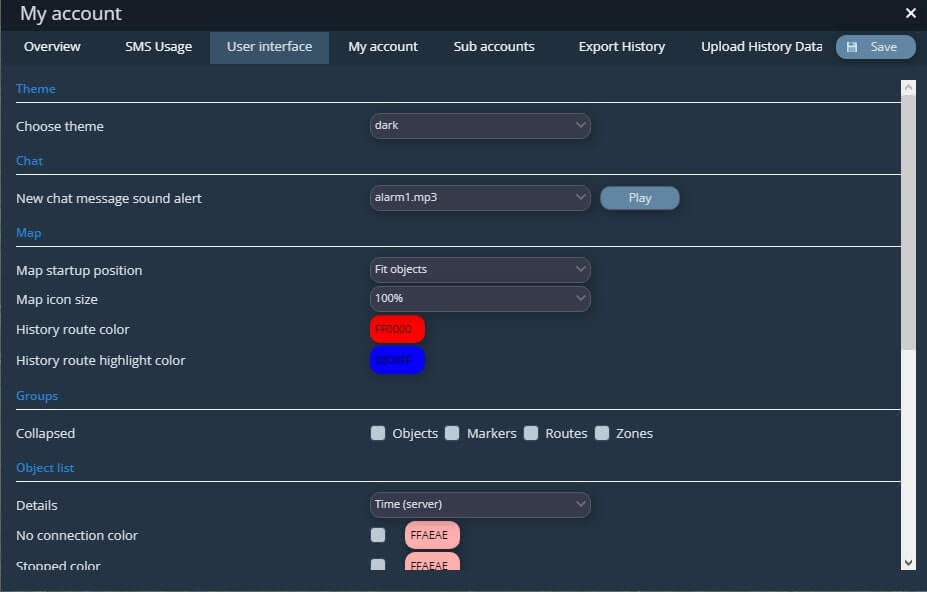
In order to enable this theme all you have to do is navigate on “My Account” then hit the “User Interface” tab and choose the option dark on the “Choose Theme” raw.
As always we would love to hear your feedback regarding our new updates, so feel free to drop us a line in the suggestion form!
