
Navigate to object via Google Maps
< 1 min read
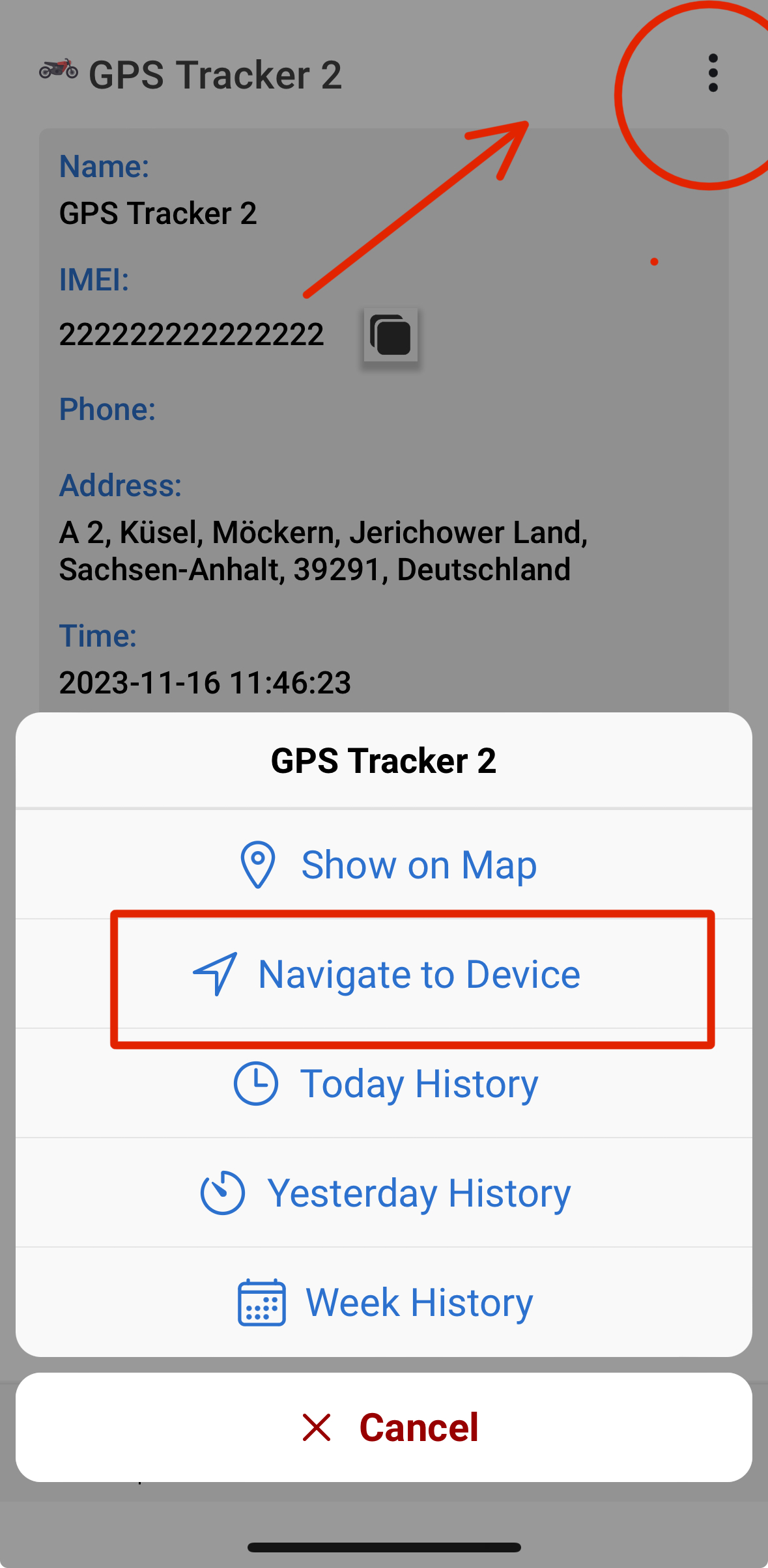
Our pioneer mobile apps gives you a very handy solution in order to navigate to your objects through Google maps, directly from your phone! All you have do is tab on the object you are interested, tap on the Info and then tap on the 3 dots on the top right corner. From the menu that will open, click “Navigate to device” as it is shown in the image below.
Updated on October 7, 2024


Powered by BetterDocs